
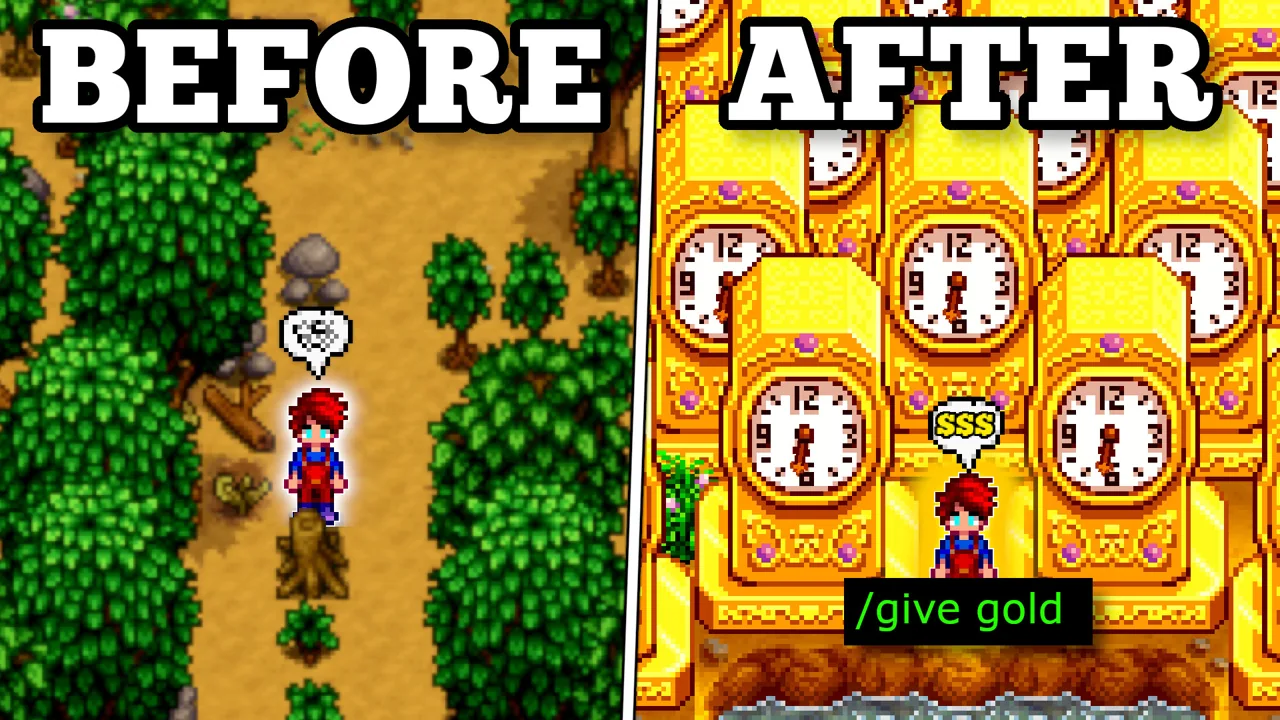
Stardew Valley console commands can give you money, create an item or set up a completely ridiculous test farm. My video shows how powerful the SMAPI console can be. This written version adds the setup details and separates simple commands from the ones that can change an entire save. These instructions are for PC, with the Windows setup explained below.
This focused guide expands the relevant section of my original Stardew Valley YouTube video, with updated mechanics for version 1.6. Jump to the part you need below.
In this guideOpen contents
What you need for Stardew Valley console commands
Install SMAPI from its official site, smapi.io, using the version that supports your installed game. The Console Commands component bundled with SMAPI supplies the commands used here. If you removed it from the Mods folder, merely opening SMAPI is not enough.
Run the game once normally before installing. Extract the SMAPI download outside the game folder, run the Windows installer and follow its prompts. The official installation guide explains Steam, GOG and Xbox-app differences; use the instructions for the copy you own. This is not the ordinary multiplayer chat box, and console editions do not provide this PC setup.
Use a separate test save first
Some commands do much more than add an item. They can alter relationships, progression flags, buildings or the calendar. Start a new throwaway farm for the examples, or make a backup of the save you intend to experiment with.
This is how you avoid turning a funny demonstration into a lost afternoon. Do not run a whole list at once. Enter one command, look at the result and decide whether that is what you wanted. In multiplayer, agree with the other players before changing shared progression.
Open the SMAPI window and try help
Launch Stardew through SMAPI, load the test farm, then switch to the separate SMAPI console window. On Windows, Alt+Tab is usually the quick way to find it. Type help and press Enter. You should receive a list of available commands.
If you see “unknown command”, check spelling and whether Console Commands loaded successfully. If nothing appears, make sure you typed in the console rather than the game’s chat. The installed version’s help text is your first reference when an old video uses different syntax.
Eight useful command examples
The angle-bracket placeholders shown in documentation are not text you should type. These examples contain actual values. Item names with spaces need quotation marks.
| Command | Result |
|---|---|
| help | List available console commands |
| help player_add | Show item-command documentation |
| player_add name "Wood" 100 | Add 100 Wood |
| player_add name "Galaxy Sword" | Add a Galaxy Sword |
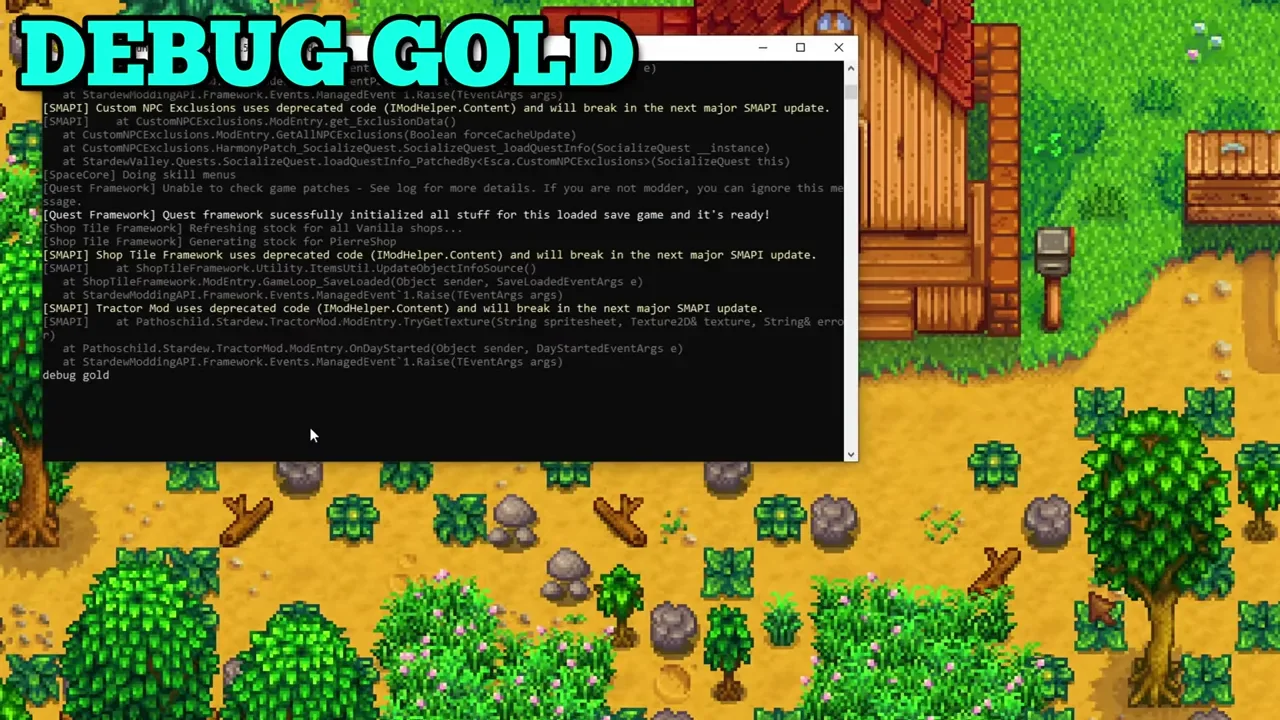
| debug gold | Add 1,000,000g |
| debug money 5000 | Set current money to 5,000g |
| debug time 1200 | Set the clock to noon |
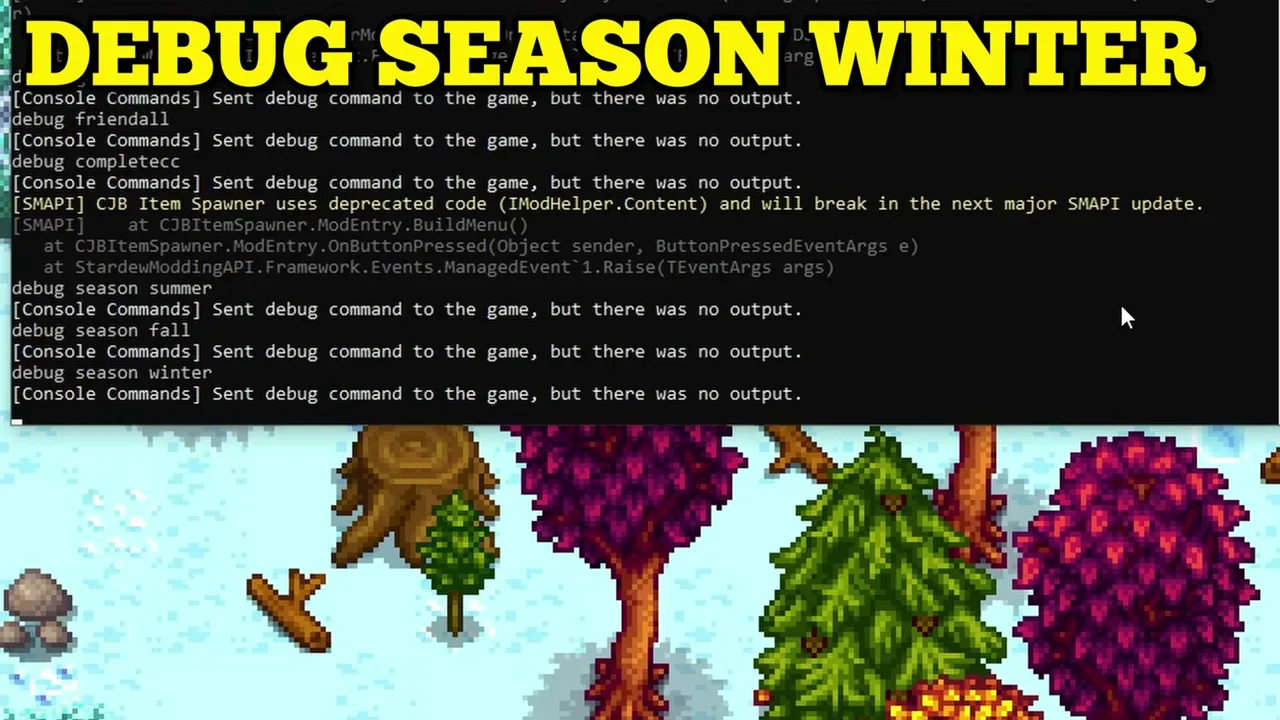
| debug season summer | Change the season to summer |
Adding money is different from setting money
debug gold adds one million gold. debug money 5000 sets the wallet to exactly 5,000g. If you already have more than that, the second command reduces your money. Read the verb, not just the exciting number.
Likewise, changing the season is not a normal night of gameplay. Do not treat it as a harmless way to fast-forward a real crop plan. These are testing tools; they can put the world into a state you would not normally reach through ordinary play.
The big commands from my video
debug friendall increases friendship broadly, subject to the normal caps and some exceptions. It is not a promise that every NPC becomes a fully dated or married maximum-heart partner. debug specials adds special items and can mark related events as seen.
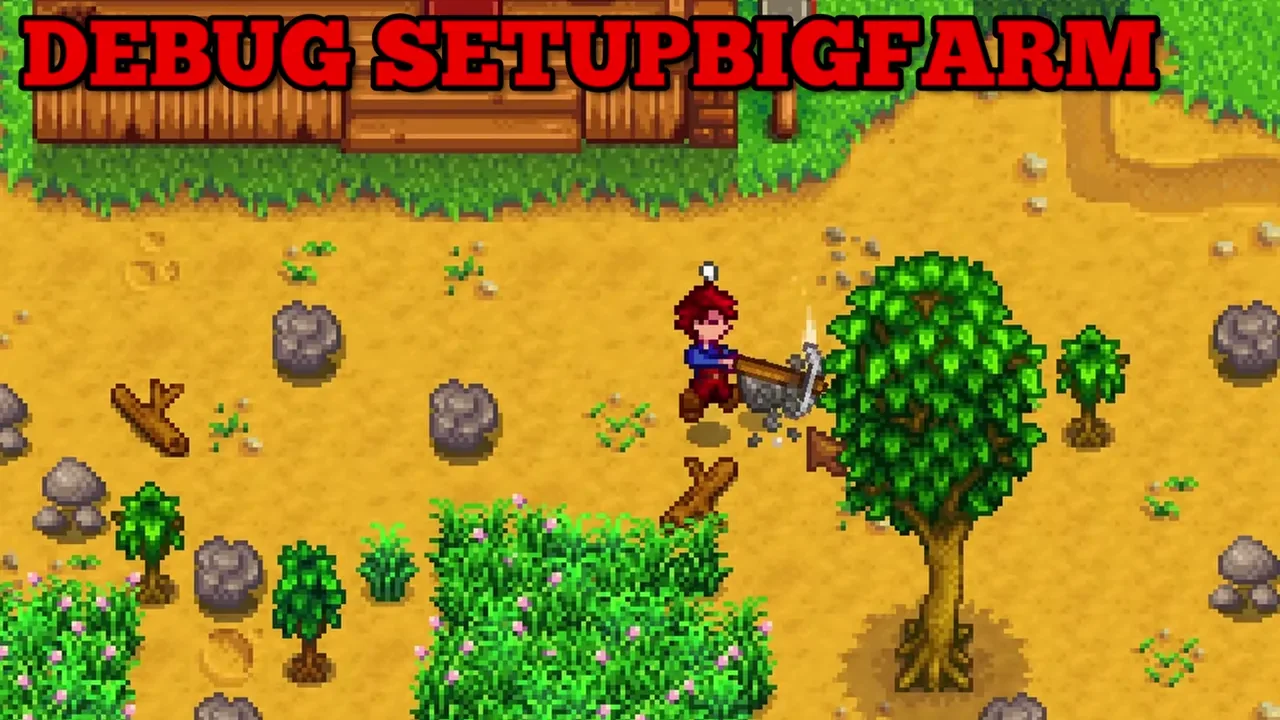
The more dramatic examples are debug completecc, which applies Community Center completion flags, and debug setupbigfarm, which clears and populates a test farm with buildings, crops and machines. That last command is absolutely not one to casually try on a farm you have spent years decorating. Keep it on the disposable save.
Troubleshooting and going back to normal play
If a command fails, copy its spelling carefully and use help where available. Do not mix slash-prefixed chat commands with SMAPI commands. Check the SMAPI log for a component that failed to load, and check the supported game version before blaming the command itself.
To play without SMAPI, launch the ordinary game executable or follow the official guide to undo your launch configuration. That does not undo changes already saved after a command. Restoring your backup is what reverses those changes.
I use this sort of setup for demonstrations and experiments. For a normal progression save, decide which rules you want to play by and keep the testing separate. Having the power to spawn everything does not mean every farm needs it.
Watch the original video

Keep exploring the valley
Find more tips and tricks guides, or continue with a related guide:
- Stardew Valley Glitches: 12 Video Tricks and Their Limits
- Ultimate Stardew Valley Beginners Guide: Master the Game from Day One
- 7 Stardew Valley Combat Builds for Damage, Defence and Loot
Game-mechanics references: Modding:Console commands, Modding:Installing SMAPI on Windows. Original gameplay and video by MGaud.